 Evening Focus Coach
Protect one window.
Pick your evening, say 7–10 pm. The coach only shows up then.
For evenings that keep disappearing
A calm coach that steps in when you reach for your phone and helps you do something else instead.
Free · No account · Works offline · Nothing leaves your phone
Sound familiar?
You sit down for a minute. You open one app. It's suddenly 11:30.
That's not a willpower problem. Phones are built to be hard to put down.
Built by one person who loses evenings too.
What it does
Pick your evening, say 7–10 pm. The coach only shows up then.
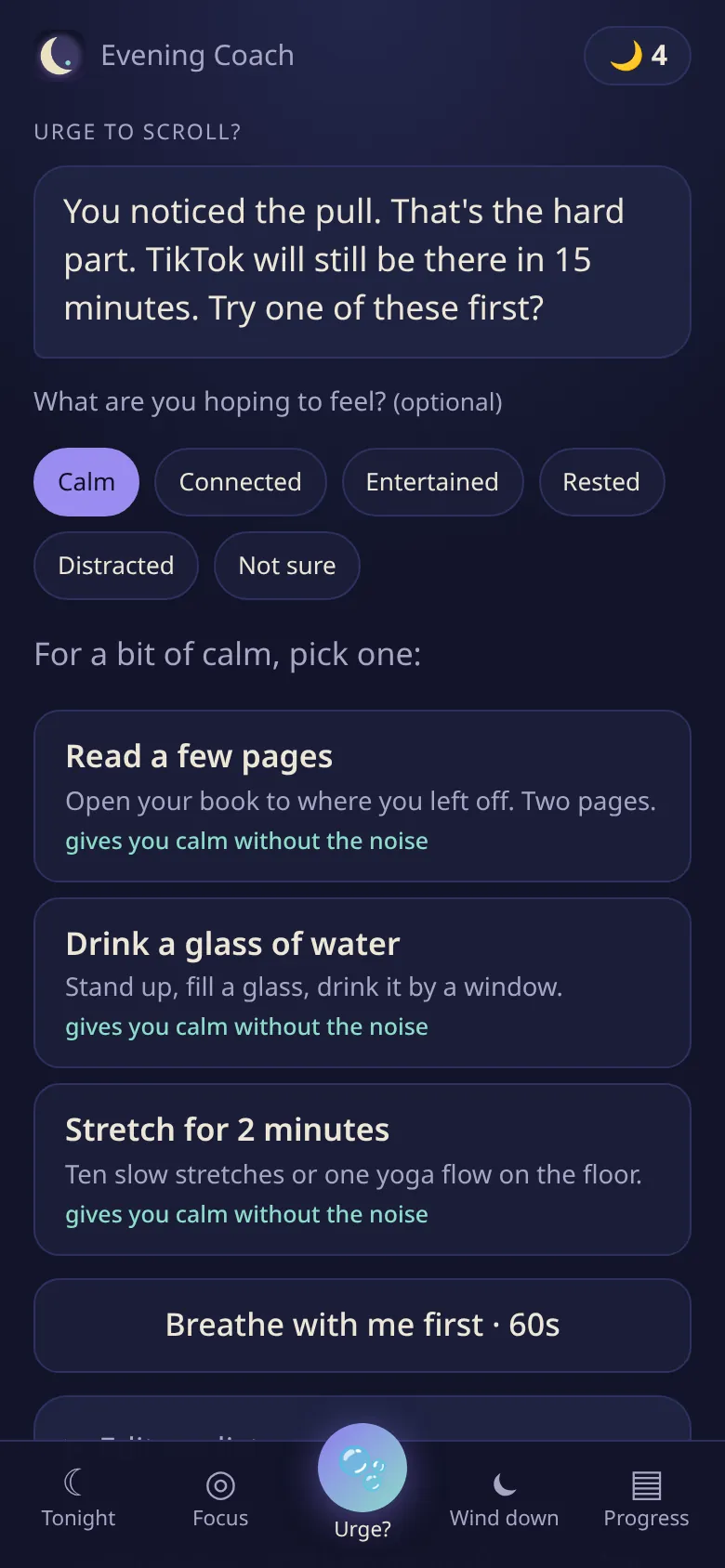
When you reach for your phone, get 2–3 small things you said you'd rather do.
A few taps on how the evening went, and a short, kind reply. No streak guilt.
How it works
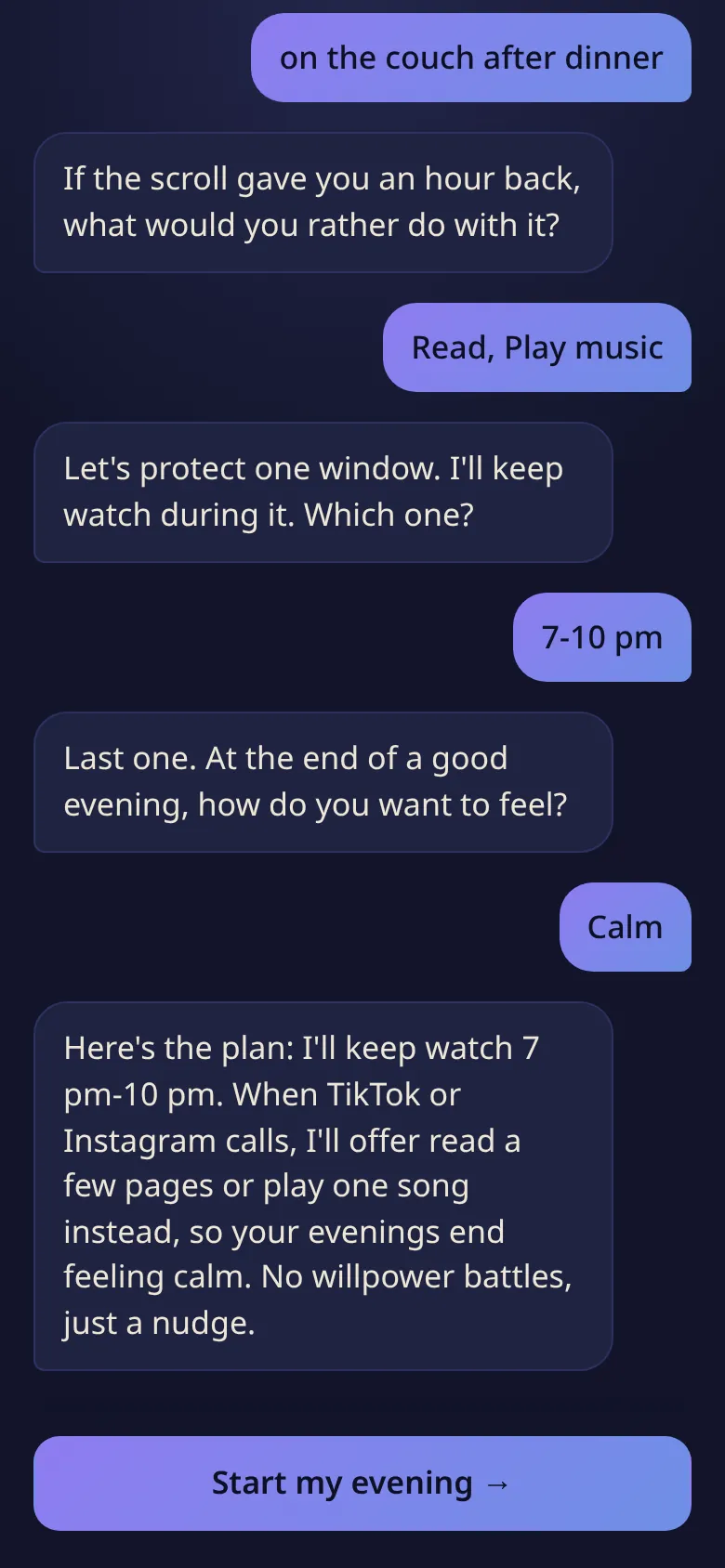
A two-minute chat: which apps, when, and what you'd rather do.
Breathe for a minute if you like, then pick one small thing.
Each swap adds up. An estimate, not a stopwatch.
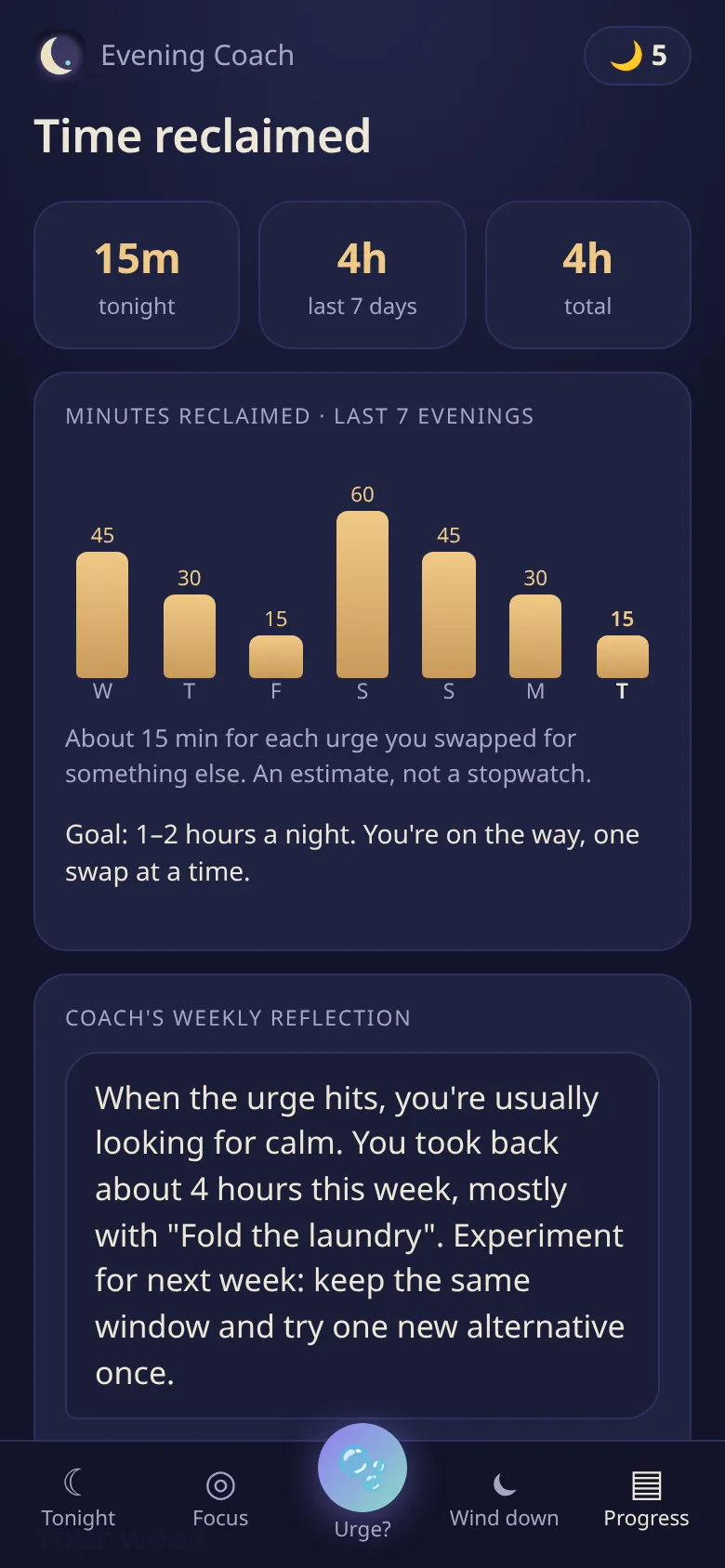
Screenshot shows sample data.
No account. No tracking. Your evenings stay on your phone. Privacy
Testers get Coach Plus free while we're in early access.
One email when your spot is ready. No spam, ever.
No app store needed
It's a web app. Open the app on your phone, then:
Tip: in the Shortcuts app, an Automation like “When TikTok is opened → Open URL https://eveningfocus.app/app/#rescue” brings the coach up at exactly the right moment.
Pricing
The basics stay free: one protected window, the check-in, and a few coach replies a day. Coach Plus (coming soon) adds unlimited coaching, more windows and deeper personalization.
$49/year (or $8/month). Free for the first 20 testers while we're in early access.